Gravebound beginner guide
Quick answer: bring a loadout from the hub, take on events, upgrade as you go and extract to keep the gear you find. In 1.01, you keep your starting gear and gun XP even if the raid ends badly.
Before you ready up
- Open Storage in the hub and check the Overflow row. Move useful gear or recycle it to make space before the next raid.
- Check your equipped loadout and your 18-slot Inventory separately. Both go into the raid, and empty slots give you room for new guns and armor.
- Agree on who leads and what to do if someone disconnects. For a closed run, a squad of at least two can make the raid private. See squad controls.
What a run looks like
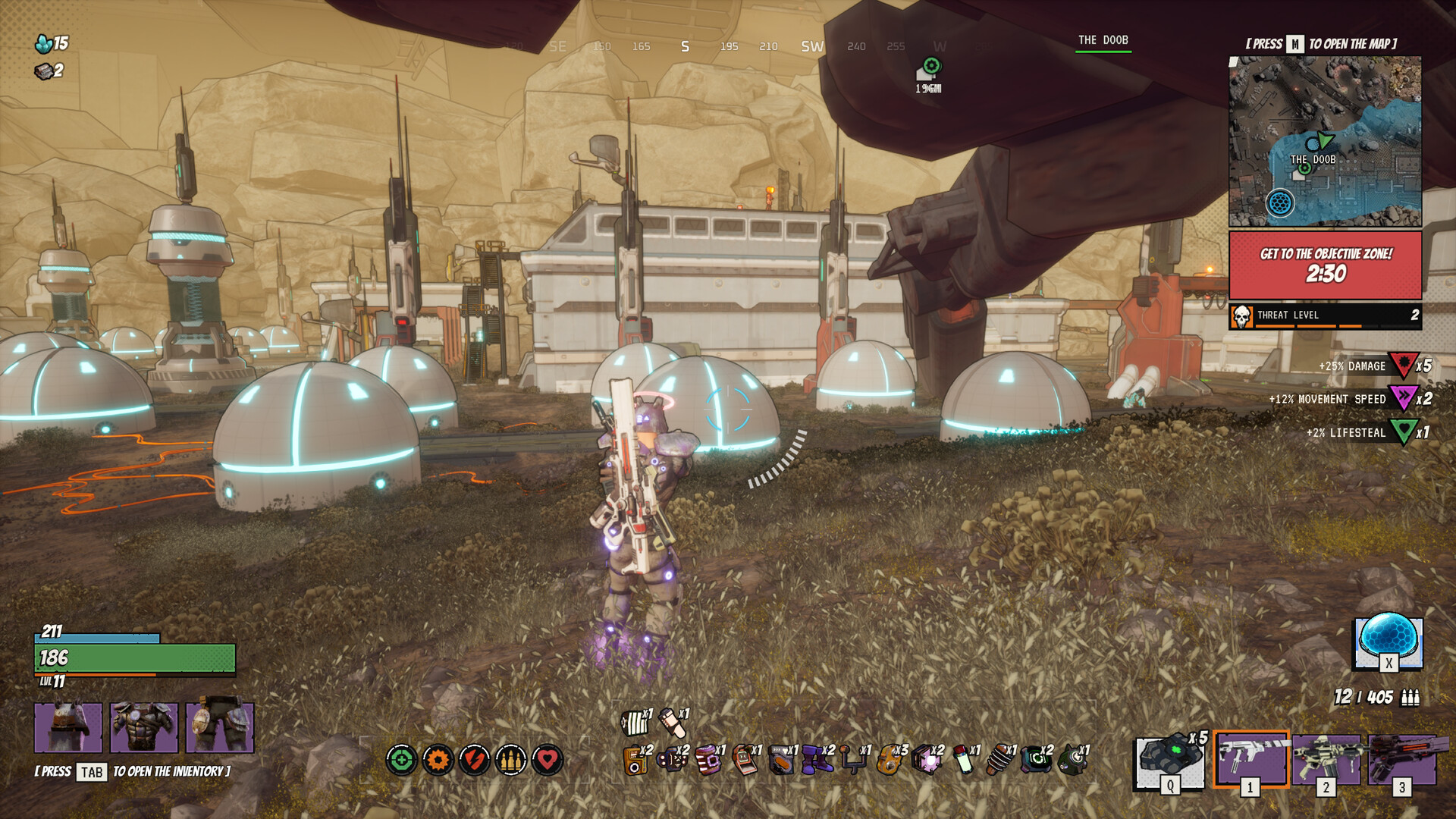
- Start with a reachable event. Check the objective countdown and the
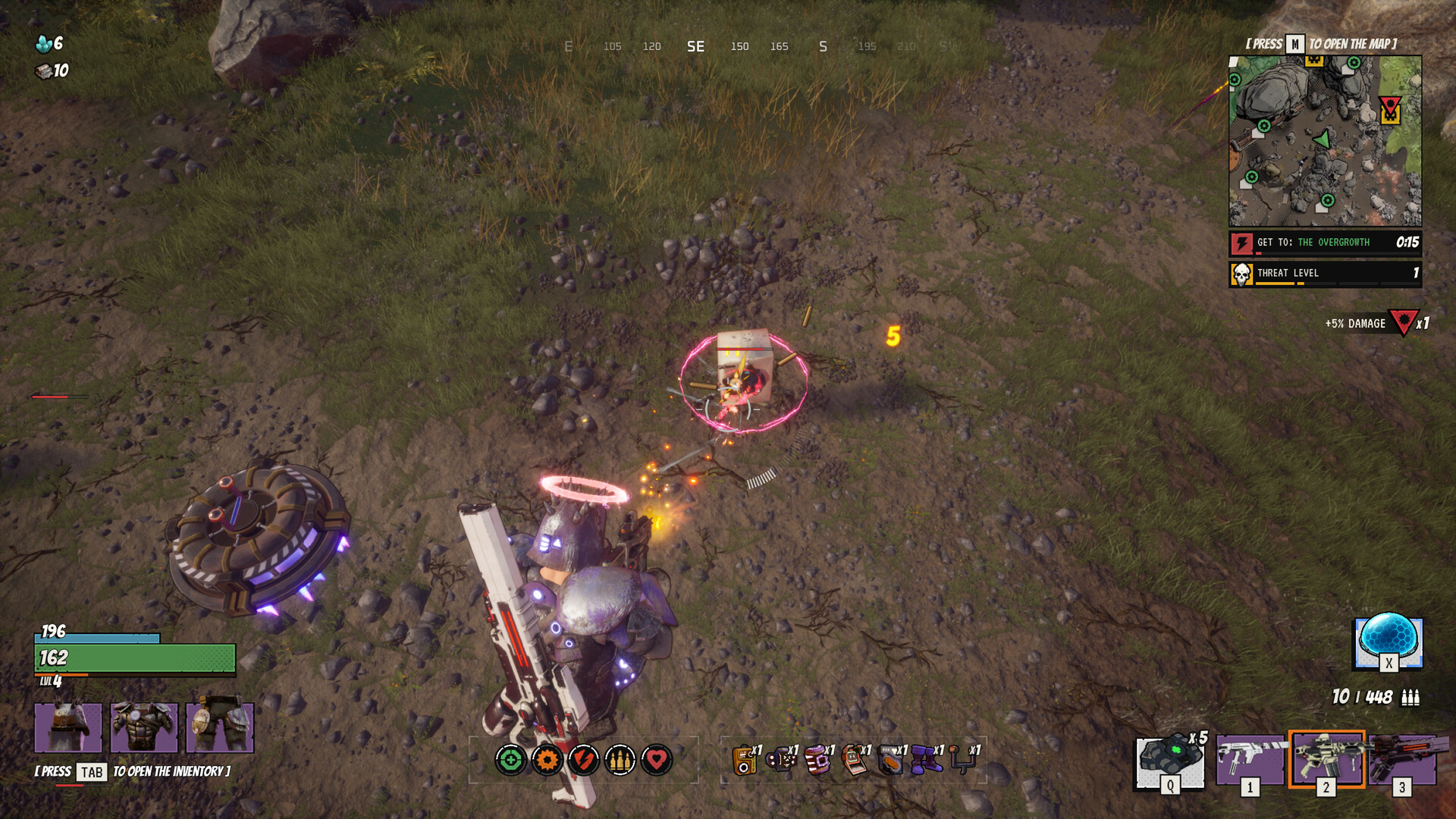
THREAT LEVELmeter. Use the map to pick a route with an exit. - Pick up gear with E. A gun or armor piece equips if its slot is free. Otherwise it goes into Inventory if there is room. Use Storage and Inventory controls to move or equip it.
- Upgrade at a station when the squad can cover you. If you're short on ammunition, a crate now supplies five magazines.
- Watch the newest storm ring and reach the pod before it leaves. A failed Shield Array can now end a raid. See maps and objectives for the event rules.
What you keep after a raid
| Outcome | What happens in 1.01 |
|---|---|
| Extract alive | Inventory transfers into Storage. Any gear that won't fit waits in Overflow. |
| Die, choose Leave raid, or miss the reconnect window | Keep the loadout and Inventory you brought in, along with gun XP. Gear found in that raid is lost. |
| Crash or connection drop | Relaunch within 10 minutes and choose Reconnect on the login screen. |
While you're disconnected, your character waits protected with the items you were carrying. You get five seconds of protection after you return, ending early if you fire. Check your surroundings before taking that first shot. The squad keeps your seat, and the leader is asked before queueing without you.
HUD cues worth learning
| Cue | What to use it for |
|---|---|
| Compass and minimap | Bearings, nearby objective markers and pings. Use M for the full map. |
| Red objective timer | Check whether there is time to finish before committing. |
| Threat level | Gauge the pressure where the squad is standing before pushing farther. |
| Inventory prompt | Use Tab to inspect carried items and make space for a pickup. |
Developer notes for 1.01 · Loot and recycling · Gravebound FAQ